Which difficulty should you pick? What Easy, Normal and Hard actually change
Easy, Normal and Hard look like a verdict on your skill, but in most games they are settings: a preset of enemy health, damage, accuracy and sometimes supplies and checkpoints.
Drag the sliders in a small fight simulator to see how the same encounter turns from a stroll into a scramble, learn what difficulty usually does and does not change, and get three questions to ask before you pick a level.
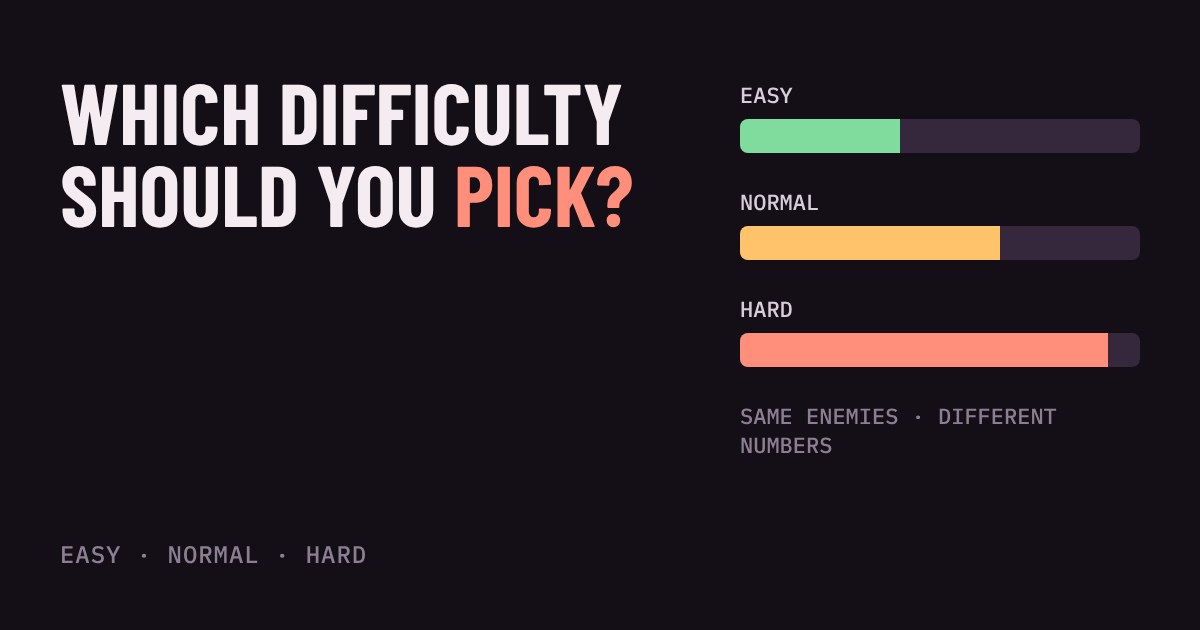
The first menu a lot of games show you is a choice between Easy, Normal and Hard. It feels like a test of who you are. It is really a settings screen, and knowing what sits behind the label makes the choice much easier.
Difficulty is mostly a few numbers
In most games, a difficulty level is a preset: a bundle of values the game reads when it sets up a fight. The most common ones are how much damage enemies deal, how much health they have, and how often their shots actually hit you. Hard does not always mean smarter enemies. It often means sturdier enemies who hurt more and miss less.
Try it below. The fight is always the same: three enemies, you, and a few seconds of shooting. Only the numbers change. Drag the sliders or tap a preset, and watch how the same encounter turns from a stroll into a scramble. The win rate is worked out from 500 simulated fights each time you change something.
Why small changes feel big
A few percent does not sound like much, but fights stack the effects. In the demo, an enemy at normal health takes four hits from you. At 130% health it takes six, because 130 health needs six hits of 25 and the last hit is only partly needed. Every enemy now stays alive about half as long again, so all three get more time to shoot at you, and each shot also hurts more. Health, damage and accuracy multiply together, which is why Hard can feel like twice as much work.
Your own aim matters just as much. Try dragging the aim slider down while on Normal. A weaker aim has a similar effect to turning the difficulty up, which is why a game that feels fair to a friend can feel harsh to you.
What else can change besides the numbers
Numbers are only the start. Some games also change how enemies behave. In Halo 3, for example, Microsoft's documentation lists difficulty-linked values for enemy damage and health, but also for rate of fire, how fast enemies pick a new target, how often they throw grenades and how many squads appear. Higher difficulty can mean more enemies and a more aggressive crowd, not just tougher ones.
Difficulty can also change the world around you: how much ammo and healing you find, or how often the game gives you a checkpoint mid-fight. A game that feels brutal on Hard is sometimes brutal mostly because supplies are scarce.
A growing number of games let you split difficulty into parts. The Last of Us Part II has separate settings for the player, enemies, allies, stealth and resources, each with five levels, and a Custom option to mix them. Celeste goes another way with an Assist Mode that lets you change game speed, turn on infinite stamina, add air dashes or switch on invincibility. These are tools for tuning the game to you, not a punishment for choosing them.
What difficulty usually does not change
The story, the levels and the controls are normally the same on every setting. You see the same ending. Some games tie achievements or trophies to harder settings and many do not, so if collecting those matters to you, check the game's trophy or achievement list before you pick. The Last of Us Part II, for one, does not limit trophies by difficulty.
Which one should you pick?
Start on the default, usually called Normal, unless the game says otherwise. It is tuned for the most common player and is a good baseline. Then use the guide below as a rough rule.
Pick an easier setting if the genre is new to you, if you are playing for the story, or if you are playing with a controller after years on a keyboard. Pick the default if you have played similar games before. Pick a harder one when fights feel like a formality and you want to be pushed.
If you get stuck on one fight for a long time, drop the difficulty for a while. Many games let you change it later in the menus, though a few lock it, so read the prompt before you confirm. Nothing about your save or your score tells anyone else what you chose. The goal is to enjoy the game.
Three questions to ask before you choose
First, what do the labels promise? Some games name the lowest level something like "Story" to tell you the fights are meant to stay out of the way. Read the one-line description under each level, because the same word can mean different things in different games.
Second, can you change it later? If the menu says the choice is permanent, play it safe and go one step easier than you think you need. Third, are there extra assists? Look in the accessibility or gameplay menus for sliders like the ones above. They often give you a finer fix than moving the whole game up or down a level.
More in Getting Started
all Getting Started →2 Nov Which accessibility settings should you turn on? Subtitles, colour and controls explained Most games hide their best comfort settings in the menus. This guide shows what subtitle size, a dark background box and speaker names do… Getting Started
31 Oct Should you turn off motion blur and film grain? Post-processing effects explained Games add a last layer of effects after the picture is drawn: motion blur, film grain, chromatic aberration, depth of field, vignette and… Getting Started
29 Oct What is anti-aliasing? Jaggies, FXAA, MSAA and TAA explained Ever noticed little stair steps on a diagonal line or the edge of a round object in a game? Those are jaggies, and anti-aliasing is the… Getting Started
27 Oct Will a game run on your PC? Minimum vs recommended requirements explained Every game store page has a Minimum and a Recommended box full of part names. Here is what each column actually promises, which of the five… Getting Started
25 Oct Why does a game stutter when the FPS looks fine? Frame time and 1% lows explained Your game says 60 FPS but feels choppy. That is not in your head: FPS is an average, and it hides how evenly the frames arrive. Learn what… Getting Started
23 Oct What is V-Sync? Screen tearing, G-Sync and FreeSync explained Why does your game screen sometimes show a torn line, and what do V-Sync, G-Sync and FreeSync do about it? This guide explains how your…