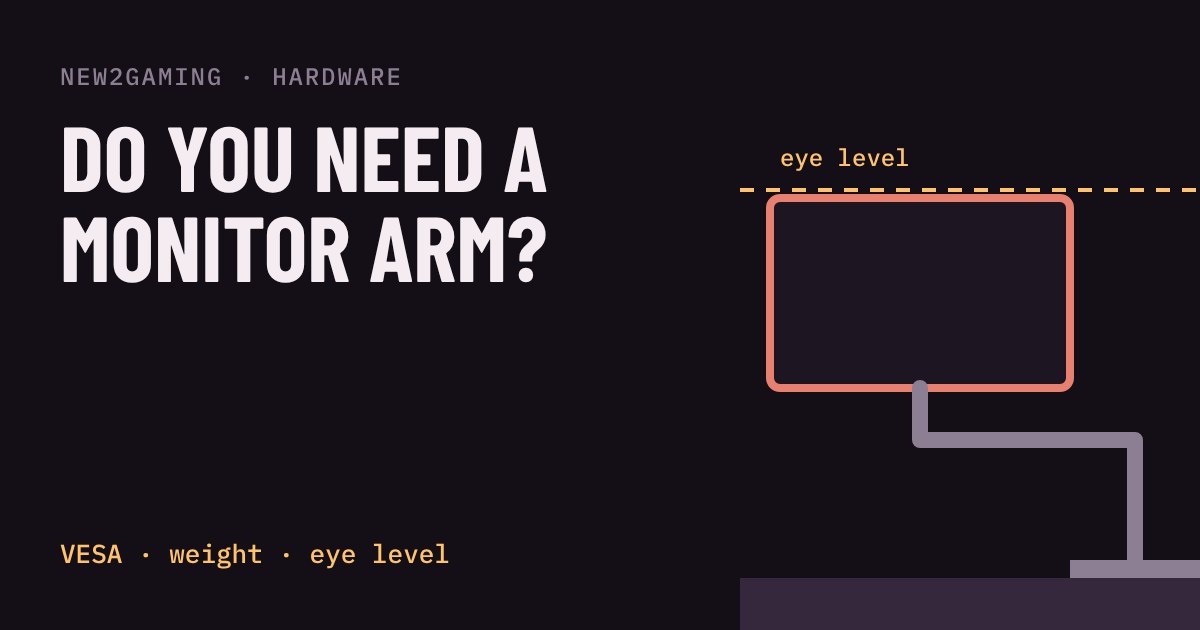
What a monitor arm actually does
A monitor arm is a metal bracket that clamps to the back edge of your desk and holds your screen on a movable arm instead of the plastic stand it came with. That is the whole idea. What it buys you is position: you can raise, lower, pull closer, push away or swing the screen sideways with one hand.
The stand that ships with most monitors fixes the screen at one height, and often that height is too low. You end up looking down at the screen for hours, which tilts your head forward. An arm lets you put the screen where your eyes want it, and it frees the desk space the stand's feet were taking up.
Where should the screen be?
The common ergonomic advice is simple: the top edge of the screen should sit at about eye level or a little below, and the screen should be roughly an arm's length away. That way you look straight ahead or slightly down at the middle of the picture, rather than craning up or hunching over.
Try it below. Drag the screen up and down in the side view (or use the slider) and watch the verdict. Then press "Stand height" to see where many built-in stands leave you.
The back of your monitor: VESA holes
Arms attach to four small screw holes on the back of the monitor. The holes follow a standard called VESA, named by the pattern's spacing in millimetres. The two you will see most are 75×75 and 100×100, and most gaming monitors from about 24 to 34 inches have one of them. Check the spec sheet or measure the gap between holes.
Some monitors have no holes, or hide them behind a plastic cover. A few ultrawides and very large screens use a bigger pattern. If you cannot find a pattern that matches, you cannot simply screw an arm on, so check this before you buy anything.
Weight and reach matter more than size
Every arm lists a maximum weight and a largest screen size. Weight is the one that bites. Go by the weight of the monitor without its stand, taken from the maker's spec sheet. A gas-spring arm is set for your screen's weight; one that is too light for it will sag, and one that is too strong will push the screen up.
Also look at the clamp. Most clamp to a desk edge between roughly 1 and 8 cm thick, and some also bolt through a hole in the desk. Glass tops, thin hollow desks and desks with a lip underneath can make clamping awkward. And check how far the arm reaches, because a short arm cannot pull the screen close to you.
Do you need one?
You do not need an arm to game. A monitor on its own stand is fine if the height already puts the top edge near eye level, and many stands can be raised or lowered. An arm becomes worth it when your stand cannot get the screen high enough, when the desk is too shallow to leave room for the feet, when you want two screens, or when you want to swing the screen out of the way.
It will not make a bad monitor better, and it will not fix a desk or chair that is the wrong height. It simply gives the screen a good place to be.
What to look for
At a lower budget, a basic arm with a plain spring is enough for a light monitor. Confirm the weight limit and VESA pattern match your screen, and check that the clamp fits your desk thickness. Expect to spend roughly €15–30.
In the middle, around €30–60, look for a gas-spring or spring-tensioned arm that holds the screen at any height and lists the size of screen you own. At the higher end, roughly €90 and up, you are paying for smoother movement, a one-touch height adjustment, better cable routing and sturdier build, which matters most for heavier or larger screens.