What is a monitor panel?
The panel is the actual screen layer inside a monitor: the thing that makes the picture. Two monitors can both say "27 inch, 1440p, 165 Hz" on the box and still look very different, because one uses an IPS panel, another a VA panel, and a third an OLED panel. The panel type decides how deep blacks look, how colours hold up when you sit off-centre, and how clean fast motion looks.
Refresh rate and resolution are easy to compare. Panel type is the spec that shops mention least and that you notice most the first evening you play a dark game.
IPS: the all-rounder
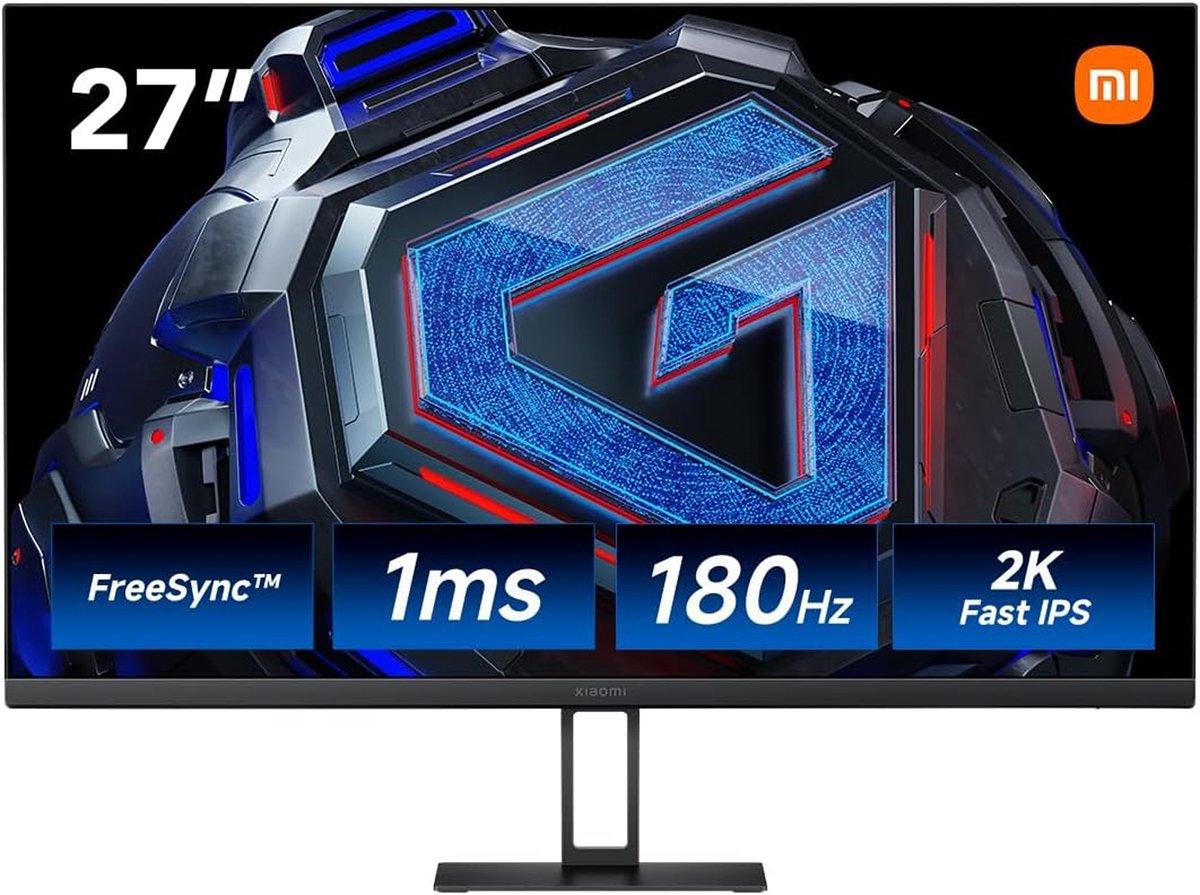
IPS panels are the most common choice for gaming monitors. They show accurate colours, and the picture stays about the same when you view it from the side (most are rated for 178 degrees). Fast IPS models can reach response times of around 1 ms, so motion looks sharp.
The weak spot is black. A good IPS panel manages a contrast ratio of roughly 1,000:1, which means black is about a thousandth as bright as white. In a dark room that shows up as "IPS glow": dark scenes look slightly grey, with a faint haze in the corners.
VA: deeper blacks for less money
VA panels typically reach around 2,000 to 3,000:1 contrast, and the best go higher. That is two or three times deeper black than IPS, which makes dark games, films and night scenes look richer. Many budget gaming monitors use VA, and many of them are curved.
The trade-offs are weaker viewing angles (colour and contrast shift if you sit off-centre) and, on some models, motion that smears a little in dark scenes. Aggressive speed-up settings on a VA panel can also leave bright trails behind moving objects.
OLED: every pixel is its own light
An OLED pixel makes its own light, so a black pixel is simply switched off. That gives black that is as dark as the screen can look, plus very fast pixel response, which makes fast motion look crisp. Colours are vivid and the viewing angles are wide.
The costs are real, though. OLED monitors are usually the most expensive type. Very bright images over a large area can be dimmed by the screen to protect it. Showing the same static picture for very long stretches (a desktop taskbar all day) can leave a faint permanent mark, known as burn-in; makers add features to reduce the risk, but it is worth reading the warranty. Some OLED screens also make small text look slightly fringed.
See the difference
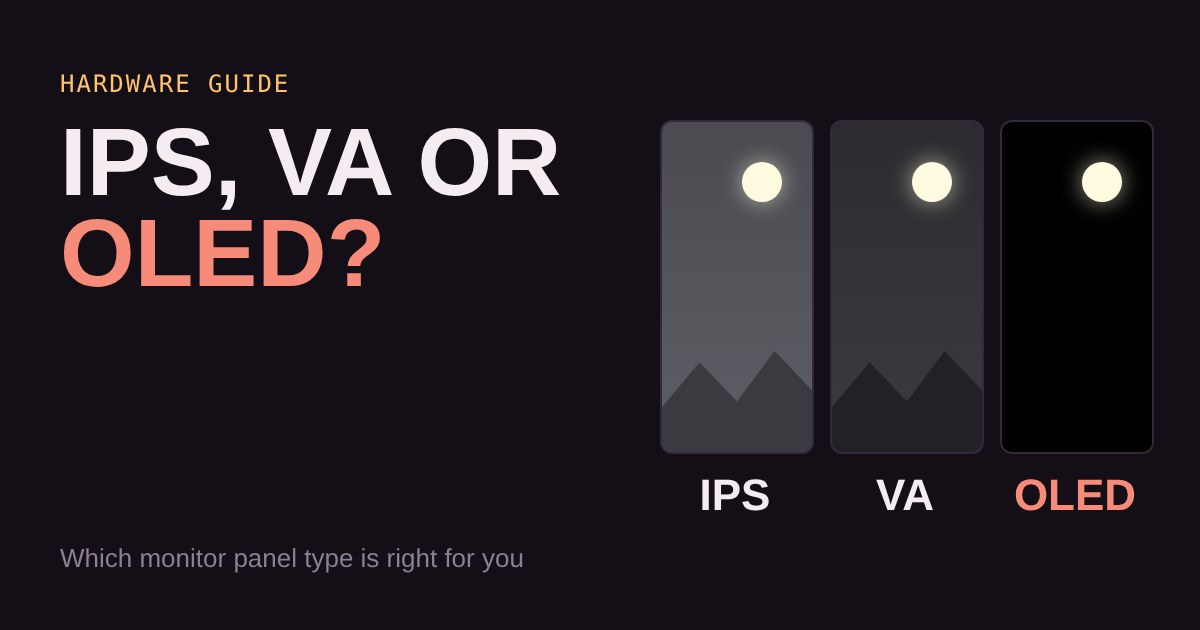
Below, the same night scene is drawn on each panel type. The numbers are simplified for teaching, not measurements of any one monitor. Turn the room light up and watch the gap between the panels shrink. Then slide the viewing angle off-centre.
In the dark room with no angle, OLED wins clearly, VA is a solid second, and IPS looks greyest. Turn the room light up and the three get much closer, because glare on the glass lifts every black. Slide the angle and IPS holds its colour best among the two LCD types, while VA fades.
Which one fits you?
If you play in a dim room and mostly sit in front of the screen, VA is the cheapest way to get richer blacks. If you share the screen, work on it as well, or care about accurate colour, IPS is the safe all-rounder. If you want the best picture and can pay more, OLED gives the biggest jump, as long as you are happy to follow a few care tips like letting the screen sleep when you leave.
Your room matters as much as the panel. In a bright room, the extra black depth of VA and OLED is much harder to see.
What to look for
On a tight budget: choose the panel to match your room. VA for dark rooms, IPS for bright rooms or shared screens. Then check resolution and refresh rate for your graphics card.
In the middle: look for a fast IPS model with a refresh rate your PC can actually use, and read the response-time claims with care (see our response time guide). Make sure it has the ports your console or PC needs.
When you spend more: OLED is where the budget goes to picture quality. Check the warranty wording on burn-in, and look at how the maker handles brightness and static-image protection.