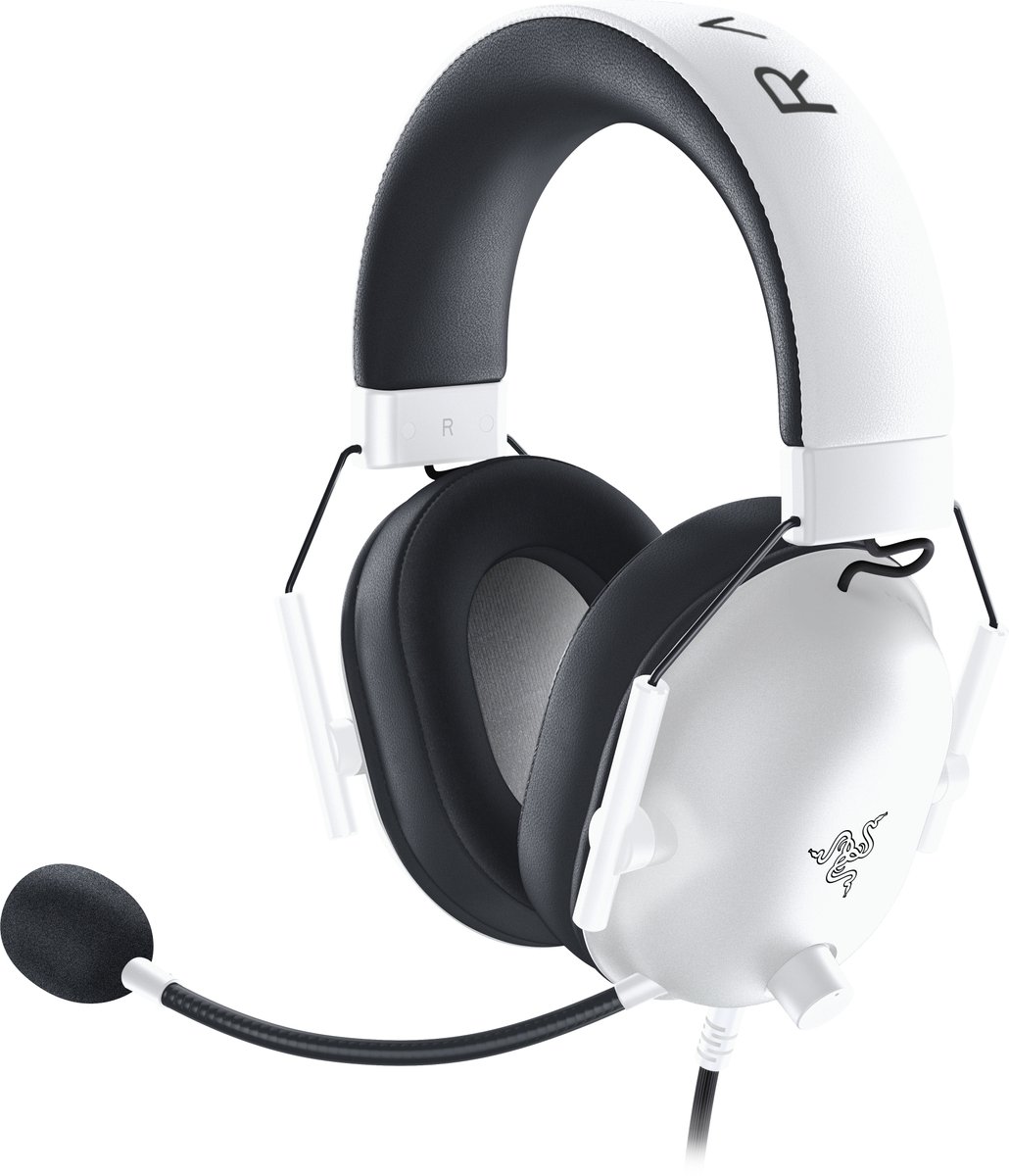
"7.1 surround" is printed on a lot of gaming headset boxes, often next to a cheaper price than the headset without it. But your head has two ears and a headset has two speakers, one per ear. So what is the "7.1" actually doing? And will it help you hear an enemy sneaking up behind you?
What "7.1" means on a headset
On a home cinema system, 7.1 means seven speakers around the room plus one subwoofer. A normal headset can't do that, so almost every "7.1 headset" is a stereo headset with software. The software, called virtual surround, takes a game's multi-channel sound and reshapes it so that your two ears are fooled into hearing sounds all around you.
That means the number on the box matters much less than two other things: whether the game actually sends positional sound, and how good the headset's drivers are at keeping that sound clean and precise.
Why plain stereo can't tell front from back
With stereo, the game only controls two things: how loud a sound is in the left ear versus the right ear. A footstep to your front-right and a footstep to your back-right produce exactly the same left/right balance, so they sound the same. Your brain is left guessing.
Try it below. Drag the dot around your head (or use the slider). In stereo mode, watch the ghost dot: it is the mirror-image spot that produces identical levels. Then switch to virtual surround, which adds the extra clues that real ears use, such as a duller, more muffled sound when something is behind you. Press the play button with headphones on to hear the difference.
How virtual surround fakes it
Your ears do more than compare loudness. The shape of your ears and head changes a sound slightly depending on where it comes from: sounds from behind lose some high frequencies, and the tiny delay between your ears shifts too. Virtual surround software copies those changes, so the sound from "behind" is filtered the way your real ears would filter it.
It works, but not equally for everyone. The filters are based on an average head, so some people hear a convincing circle and others still struggle to place sounds. It is also easy to overdo: some modes mostly add echo and bass, which makes footsteps louder without making them easier to locate.
Does it help in games?
Only when the game sends positional audio, which most modern shooters, survival and horror games do. In a game with simple stereo music and effects, surround adds nothing. Also, you probably do not need the headset's own software: Windows, PS5 and Xbox each have spatial sound options built into the system that work with ordinary stereo headsets. If you use one, use only one. Stacking a headset's 7.1 on top of the system's spatial sound processes the audio twice and usually sounds worse.
A fair way to decide: play the same map for a few matches in stereo, then a few with one surround mode, and notice which one makes you turn the right way more often. If you are always right in stereo, you do not need surround. Many experienced players prefer plain stereo for exactly that reason, because it feels simpler and more consistent.
What to look for
If you are buying a headset and want to hear where things are, these matter more than the "7.1" label:
Under about €50
A wired headset with a plain 3.5 mm plug works on almost everything. Choose comfort and a clear microphone. Treat any surround mode as a bonus you can switch off.
Around €60–100
Look for a headset with a USB adapter or a sound card that comes with surround software, so you can try it and turn it off. Large 50 mm drivers, light weight and soft ear cushions help you wear it for hours.
Around €100–150 and up
Here you pay for wireless freedom, long battery life and better-tuned drivers. Check that the surround or spatial mode is optional, that it works on your platform, and that the microphone is detachable if you want to leave it off.