How do games make fire, smoke and sparks? Particle systems explained
Fire, smoke and sparks in games are usually not drawings or videos. They are swarms of tiny short-lived particles made by an emitter.
This guide explains the five settings that shape almost every effect (rate, lifetime, speed, gravity and spread) and lets you tune a live emitter. You'll also see why particle count affects performance and what to lower when a game stutters during explosions.
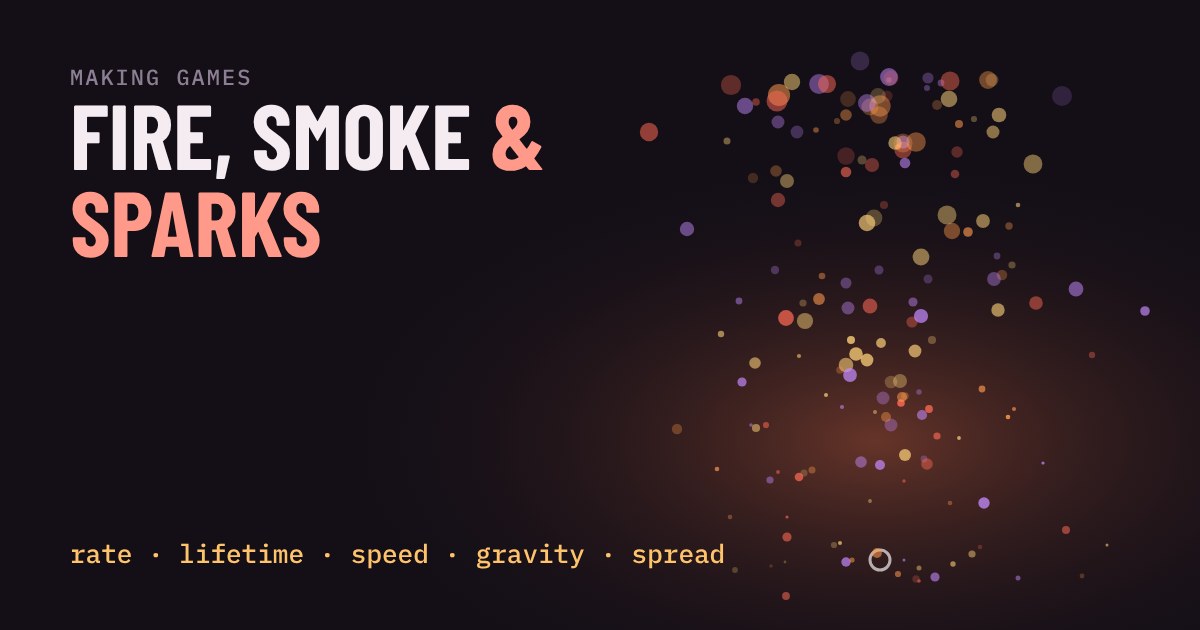
Fire, smoke, sparks, magic dust, rain on a window. In most games none of these is a drawing or a video. Each one is a swarm of tiny, short-lived pictures, and the swarm is controlled by a handful of settings. The tool that makes it is called a particle system, and once you see the settings, you can read almost any effect in a game.
A particle is just a tiny thing with a countdown
A particle is one small image (a dot, a puff, a spark) with a position, a speed, a size, a colour and a lifetime: how long it lives before it disappears. That is the whole idea. A single particle looks like nothing. A few hundred, each fading out at a slightly different moment, look like a flame.
Something has to create them. That something is the emitter. An emitter is a spot in the game world (the end of a torch, a gun barrel, a car exhaust) that spawns new particles over and over, either in a steady stream or all at once in a burst.
The five settings that do most of the work
Almost every engine, from Godot to Unity, exposes the same core controls under slightly different names:
| Setting | What it changes |
|---|---|
| Rate | How many new particles appear each second. More means a denser effect. |
| Lifetime | How many seconds each particle lives. Longer means taller flames or longer trails. |
| Speed | How fast a particle leaves the emitter. |
| Gravity | A constant push. Down makes sparks fall; up makes smoke and fire rise. |
| Spread | How wide the cone is that particles fly out into. Narrow is a jet; wide is a fountain. |
On top of those, designers let each particle fade and shrink as it ages, and shift its colour from, say, yellow to red to grey. That ageing is what turns a spray of dots into something that feels like a flame cooling into smoke.
Play with an emitter
Pick a preset, then move the sliders. Watch how a small change to gravity or lifetime changes what the effect looks like. The counter shows how many particles are alive right now.
Recipes: how the presets differ
The four presets above are the same machine with different settings. Fire uses a short lifetime, a narrow spread and gravity pointing up, with colour shifting from yellow to red to grey. Sparks are fast, tiny and pulled down hard, so they arc and fall. Smoke is slow, large and long-lived, with low opacity so the puffs blend into each other. Magic dust sends particles out in every direction with almost no gravity, so they drift.
One more trick is worth noticing: fire and sparks are drawn with additive blending, where overlapping particles add their light together. That is why the centre of the flame glows white-hot while the edge stays orange. Smoke is drawn normally, so overlapping puffs look like a thick cloud instead of glowing.
Why rate and lifetime matter together
Notice the counter. In a steady stream, the number of particles alive at once is roughly rate × lifetime. Fifty new particles a second that each live two seconds means about a hundred on screen. Double either setting and you double the cost.
That is the catch with particles: every one has to be moved, aged and drawn on every frame. A torch with a few dozen is nothing. A big explosion with thousands, repeated across a busy fight, can drag the frame rate down. Engines handle this in two ways. Some run particles on the processor, others on the graphics card, which copes with far more of them. Godot, for example, offers both as separate node types (CPUParticles2D and GPUParticles2D).
Why particles are not always on
Most games let you turn effects down in the settings, and now you know why: it is usually a lower particle count or a shorter lifetime. If a game stutters only when something explodes, the effects setting is a good first thing to lower.
The reverse is a tip for makers. A good effect rarely needs a huge number of particles. Try changing lifetime and gravity before you add more, and give each particle a fade and a colour change. A small, well-aged swarm beats a big flat one.
Try it in your own game
Every major engine has this ready to use. In Godot you add a particles node and tune the same five settings in the inspector. In Unity you add a Particle System component. Start with the preset that is closest to what you want, then change one setting at a time, exactly like the demo above, until it looks right.
More in Making Games
all Making Games →1 Nov How does an enemy find its way around a wall? Pathfinding and A* explained How does an enemy find its way around a wall? Walking straight at you works only until the first obstacle. Pathfinding treats the map as a… Making Games
30 Oct How do game mods work? Load order and why the last mod wins Ever installed two mods and watched one quietly stop working? A mod is a small package that swaps or adds the data files a game reads, and… Making Games
28 Oct How does a game know two things touched? Collision boxes, circles and bullets that pass through walls How does a game know that two things touched? It doesn't look at the artwork. Every object gets a simple invisible shape, and the game… Making Games
26 Oct How does a game play sound? Pitch, volume and why repeated sounds get annoying Why does a game's footstep sound fake after ten minutes? Because the same file plays at the same pitch and volume every time. Learn what… Making Games
24 Oct Why does a jump feel good? Coyote time and jump buffering explained Ever pressed jump a moment too late and still made it? That is coyote time, and its partner jump buffering catches presses that come a… Making Games
22 Oct What is procedural generation? Seeds and caves explained Procedural generation lets a game build levels from a few rules instead of storing every tile. Here you grow a cave yourself: scatter…