How does a game play sound? Pitch, volume and why repeated sounds get annoying
Why does a game's footstep sound fake after ten minutes? Because the same file plays at the same pitch and volume every time.
Learn what pitch, volume and variation do, how a semitone changes playback speed, and how games layer and limit sounds. Then try a footstep lab to hear and see the difference.
Why sound makes a game feel real
Close your eyes during a game and you can still tell a lot: a door opened, an enemy is behind you, your sword hit armour instead of flesh. Sound carries information, and it also carries feel. A jump with no sound feels weightless; add a small thud on landing and it suddenly has mass.
Making a game play sound sounds easy: load a file, play it when something happens. The trouble starts when the same event happens again and again. This guide explains the three ideas that fix that: pitch, volume and variation.
A sound is just a file played at a speed
Most sound effects are short recordings, stored as WAV (large, exact) or OGG (smaller, compressed) files. The game loads them into memory and plays them on request. Two settings do most of the work:
Volume is how loud the sound is. Audio engines often measure it in decibels (dB). A drop of about 6 dB halves the amplitude of the wave, and your ear hears roughly each 10 dB as "twice as loud", so volume sliders in games feel more natural when they are not a plain straight line.
Pitch is how high or low the sound is. The simplest way to change it is to play the recording faster or slower. Play it at double speed and it jumps up one octave (and ends in half the time). Play it at half speed and it drops one octave and lasts twice as long. One octave is split into 12 steps called semitones, and each semitone is about a 6% change in speed.
The machine-gun problem
Imagine a footstep sound. Your character takes hundreds of steps in an hour. If every step plays the exact same file at the exact same pitch and volume, your brain notices the repeat within seconds. It stops sounding like a foot and starts sounding like a machine ticking. Players call this "sounding fake" or "getting annoying", even if they cannot say why.
Real footsteps are never identical. Your weight shifts, the floor flexes, the shoe lands a little differently. Sound designers copy that in two cheap ways: record a few different versions and pick one at random, and nudge the pitch and volume by a small random amount each time.
Try it: footstep lab
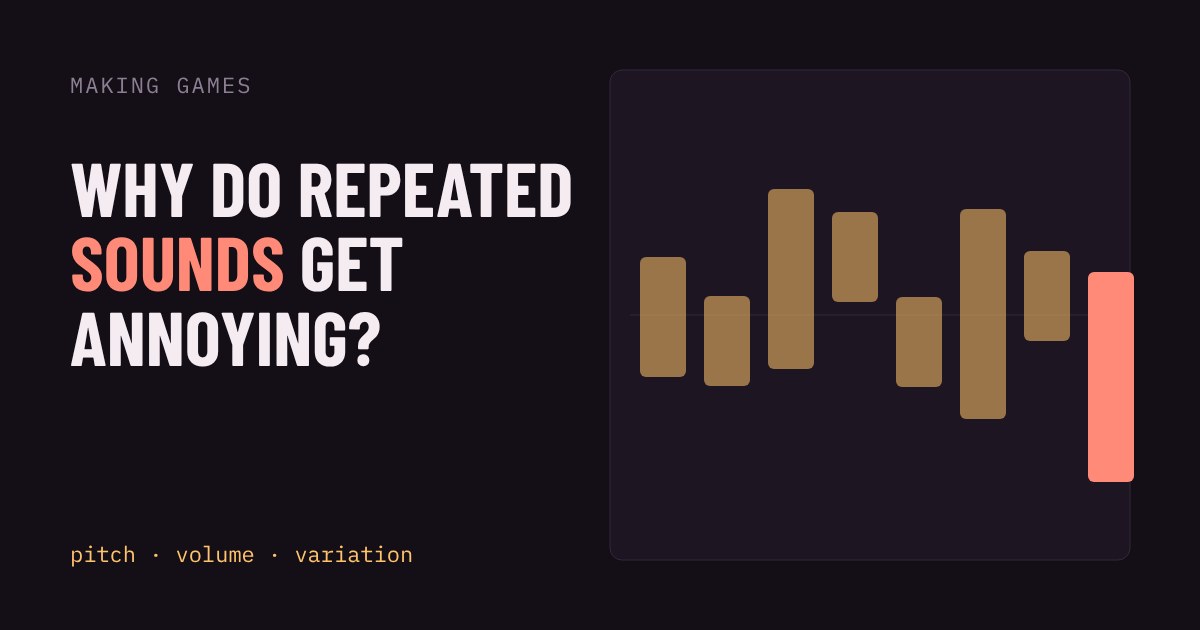
Press Walk and compare the two modes. In "Same every time" each step is identical. In "Varied" each step gets a random pitch and volume inside the ranges you set. Turn your sound on to hear it; the picture shows it too. Each bar is one step: height is volume and the vertical position is pitch.
Notice that with the sliders at zero, "Varied" turns into "Same every time". The amounts matter: a little variation (about ±1 to 3 semitones, ±10 to 20% volume) reads as natural. Too much and the footstep turns into a different object entirely, like a squeak or a thump.
More tricks games use
Several recordings per event. One footstep file is a pattern; five or six picked at random is a person walking. A good rule is to never play the same file twice in a row.
Layers. A sword hit might be a metal ring, a low thump and a short crunch played together. Each layer gets its own random nudge, so the combination is rarely the same twice.
Distance and direction. Sounds further away are quieter and duller, and are panned to the left or right of the speakers to match where they are. This is why you can often tell which side an enemy is on with headphones.
Voice limits. A game can only mix so many sounds at once. If 50 bullets each make a sound in the same moment, the engine plays the loudest or closest few and drops the rest, so the mix does not turn into noise.
Music that reacts. Many games swap or fade music layers when something changes, such as adding drums when a fight starts, so the soundtrack follows the action.
What this means if you are making a game
Start with the cheapest fix: add a tiny random pitch and volume range to your most repeated sound. Most engines have this as a setting (a pitch scale and volume property on the audio player), so it is often one line of code or one slider. Then, for the sounds you hear most, record or download a few extra variants. Finally, check your loudest sounds do not drown out important ones. Test with headphones and speakers, because a mix that sounds fine in one can be harsh in the other.
And if you are only playing: if a game's sound feels strangely tiring after a while, repetition is often the reason, not the volume.
More in Making Games
all Making Games →24 Oct Why does a jump feel good? Coyote time and jump buffering explained Ever pressed jump a moment too late and still made it? That is coyote time, and its partner jump buffering catches presses that come a… Making Games
22 Oct What is procedural generation? Seeds and caves explained Procedural generation lets a game build levels from a few rules instead of storing every tile. Here you grow a cave yourself: scatter… Making Games
20 Oct How does an enemy decide what to do? State machines explained How does a game guard seem to think? Usually with a finite state machine: a few states like Patrol, Chase and Search, plus simple rules for… Making Games
18 Oct Why does a game run faster on a faster PC? Game loop and delta time explained Ever noticed a game run faster on a quicker computer? That's the game loop at work. If you move things a fixed amount every frame, a faster… Making Games
16 Oct What is game juice? Screen shake, hit-stop and why hits feel good Two games can have identical rules and still feel completely different. The difference is often juice: small effects like screen shake… Making Games
14 Oct How are 2D game levels built? Tilemaps explained Most 2D game levels are not big pictures. They are a grid of numbers that points at a small set of repeating tiles. That is called a…