Why does a jump feel good? Coyote time and jump buffering explained
Ever pressed jump a moment too late and still made it? That is *coyote time, and its partner jump buffering* catches presses that come a moment too early.
Learn how these two tiny timers make platformer controls feel fair, then tune them yourself in an interactive jump demo and see exactly when the game says yes.
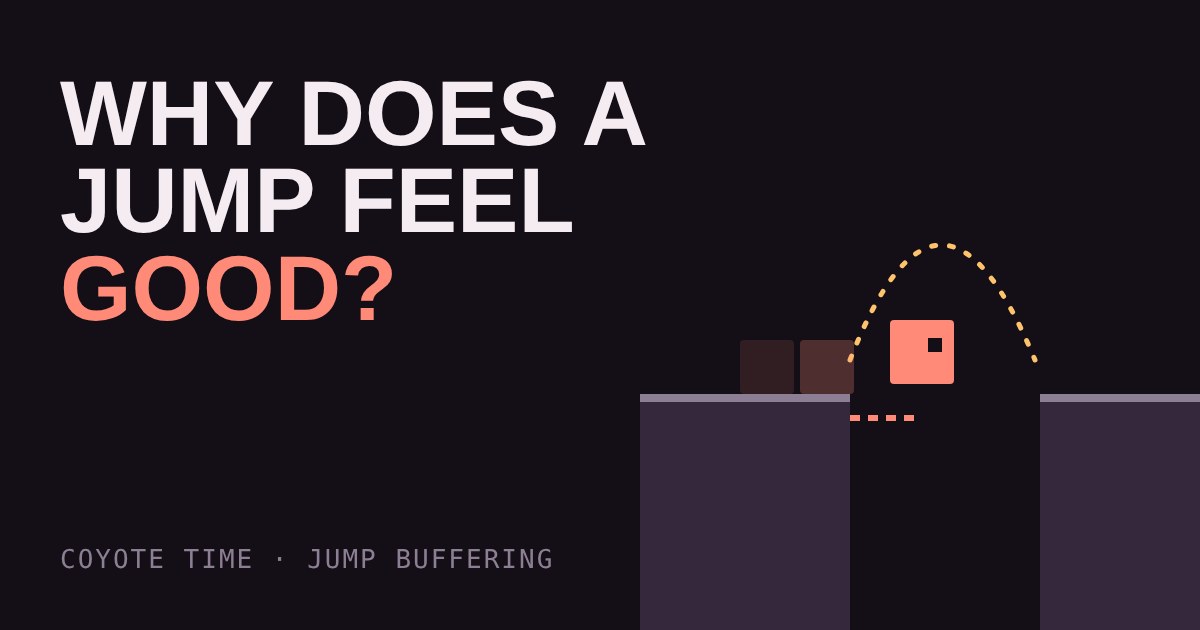
You press jump a split second after walking off a ledge, and your character jumps anyway. You tap jump just before landing, and the jump fires the moment your feet touch down. It feels like the game read your mind. In fact, the game maker built in two tiny cheats, and almost every good platformer uses them.
Games are stricter than people
A game checks your button press against the world once per frame. At 60 frames per second, one frame lasts about 16 milliseconds. A strict game says: "Jump is allowed only if the character is standing on the ground this exact frame." That sounds fair, but human timing is not frame-perfect. Press a hair too late and nothing happens. The player blames themselves, or worse, the game.
Makers fix this by being slightly generous. The player should be punished for a bad decision, not for being 50 milliseconds off.
Trick one: coyote time
Coyote time is a short grace period after you leave a ledge during which you can still jump. It is named after the cartoon coyote who runs off a cliff and only falls once he looks down. The character is already in the air, but the game pretends they are still on the ground for a moment.
The grace period is tiny, usually around a tenth of a second, which is roughly six frames at 60 FPS. You do not notice it as a rule. You only notice that jumps from the edge "worked".
For makers, it is one timer: when the character leaves the ground, start a countdown. If jump is pressed while the countdown is still running, allow it. Reset the countdown on landing.
Trick two: jump buffering
Jump buffering is the mirror image. If you press jump just before you land, the game remembers the press for a short time. The moment you touch the ground, the stored jump fires. Without it, that early press is thrown away and you simply land and stand still, which feels like the game dropped your input.
Again the window is around a tenth of a second. The maker stores the time of the last press. Each frame, if the character is on the ground and the press is recent enough, jump and clear the stored press.
Try it: tune the cheats
Below, a runner crosses a platform and the ledge is coming up. Press Jump at any moment, or press the space bar. Then use the sliders to change the two windows. Set both to 0 to see the strict version, then widen them and try the same moments again. The log under the demo tells you what the game decided and why.
Why it is not cheating
Coyote time and buffering do not make the game easier in a way that matters. They remove failures that were never part of the challenge. The platforms are just as far apart and the enemies are just as fast. What goes away is the moment where you did exactly the right thing and the game said no. Many well-known platformers use these tricks, and developers of games such as Celeste have talked openly about tuning movement so it feels fair.
Other small kindnesses
These two are part of a wider family of tricks that makers use to make controls feel responsive. Variable jump height lets a short tap make a small hop and a long hold make a big one. Corner correction nudges you around the edge of a block when you clip its corner with your head. Each one hides a tiny moment of bad luck.
What to try in your own game
If you are making a platformer, add both timers early, before you build levels. Start with around 100 milliseconds for each, then test: if players get away with jumps that look wrong, shorten them, and if they still feel robbed, lengthen them. Store the windows as time values rather than frame counts, so the game feels the same on a 60 Hz and a 144 Hz screen. Turn the windows into named settings you can tweak, because "feel" is something you tune, not something you calculate.
More in Making Games
all Making Games →22 Oct What is procedural generation? Seeds and caves explained Procedural generation lets a game build levels from a few rules instead of storing every tile. Here you grow a cave yourself: scatter… Making Games
20 Oct How does an enemy decide what to do? State machines explained How does a game guard seem to think? Usually with a finite state machine: a few states like Patrol, Chase and Search, plus simple rules for… Making Games
18 Oct Why does a game run faster on a faster PC? Game loop and delta time explained Ever noticed a game run faster on a quicker computer? That's the game loop at work. If you move things a fixed amount every frame, a faster… Making Games
16 Oct What is game juice? Screen shake, hit-stop and why hits feel good Two games can have identical rules and still feel completely different. The difference is often juice: small effects like screen shake… Making Games
14 Oct How are 2D game levels built? Tilemaps explained Most 2D game levels are not big pictures. They are a grid of numbers that points at a small set of repeating tiles. That is called a… Making Games
12 Oct How does a game camera follow you? Smoothing, dead zones and look-ahead Every game has a camera, and how it follows you changes how the game feels. Learn the four common types: locked, smooth, dead zone and…