How much storage does a game subscription need? Install sizes, download time and data caps
A game subscription gives you a big library, but most of those games still download onto your console or PC. That means two costs nobody lists on the subscription page: storage space and waiting time.
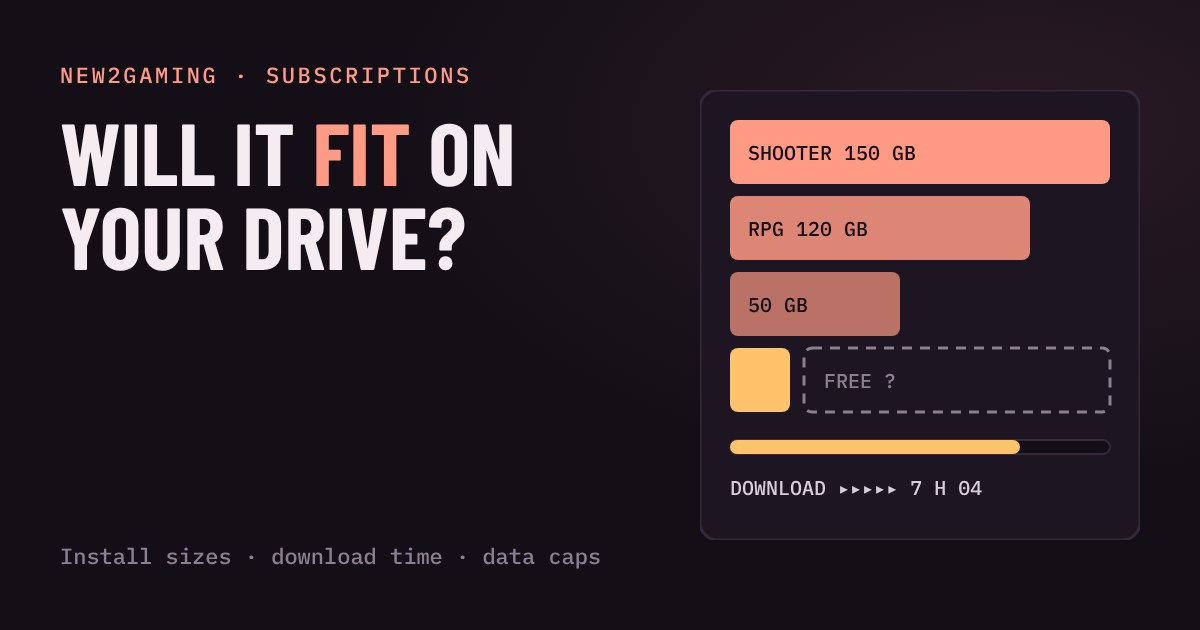
Fill a console drive with typical games, set your internet speed and monthly data cap, and see what fits and how long it takes. Then run four quick checks before you subscribe.
A subscription is a download, not a disc
Game subscriptions sell you a library, and it is easy to think of that library as being "in the cloud". For most games it is not. When you press install on a Game Pass or PS Plus title, the whole game downloads onto your console or PC and takes up space there. A big library costs you nothing extra to browse, but every game you actually play costs you gigabytes of storage and minutes or hours of waiting.
That is the part nobody puts on the subscription page. This guide gives you two simple sums, how much room and how long, so you know what a subscription will really ask of your setup before you pay for it.
How big are games now?
Sizes are measured in gigabytes (GB). A small indie game can fit in a few GB. Story adventures often land around 40 to 70 GB. Big open-world games and shooters regularly pass 100 GB, and some go well beyond that. One long-running list of PC install sizes had about ten well-known games between 100 and 170 GB, and shooters that keep adding modes and maps have only grown since. Patches and add-ons then push the number up again after launch.
Round numbers are fine for planning. The sizes in the playground below are illustrative, not exact figures for any single game, so check the real size on the game's store page before you install.
Your drive is smaller than the box says
The number on the box is the raw size of the drive. Part of it is taken by the system software, so you get less for games. Reported usable space is roughly 667 GB on a PS5 (825 GB drive), about 802 GB on an Xbox Series X (1 TB drive) and about 364 GB on an Xbox Series S (512 GB drive). Those figures were first reported around launch and system updates can shift them a little, but the lesson holds: a console that "has 512 GB" holds only a handful of big games at once.
Try it: fill the drive
Pick a drive, set your internet speed and tap the games you want installed at the same time. The bars show how full the drive gets and how long the downloads take.
How long will a download take?
Internet speed is sold in megabits per second (Mbps), and game sizes are in gigabytes. There are 8 bits in a byte, so a 100 Mbps line moves at best about 12 megabytes a second. At that speed a 100 GB game takes roughly two and a half hours even on a good day, and longer if the Wi-Fi is weak or other people in the house are streaming. A fast plan of 500 Mbps or more brings the same game down to well under an hour.
Two tricks help. Download while you sleep: consoles can update and install in standby, and you can start a big download from your phone before you get home. And use a cable when you can, because a wired connection is usually steadier than Wi-Fi.
Data caps are the quiet limit
Some internet plans limit how much you can download each month. If yours does, a few big installs can use a large share of it, and updates keep using it later. Check your plan: if it has a cap, try the cap menu above with your own number. If the plan says "unlimited" there is nothing to worry about, though some providers slow you down after heavy use, so read the small print.
What to look for
Before you subscribe to a service that downloads games, run through four quick checks.
Your free space. Look at what is left on your drive today. If it is under 100 GB, plan to uninstall games you have finished, or add storage. Consoles and PCs both support extra SSDs, but check which type your console accepts before you buy.
Your speed. Run a speed test at the spot where your console sits, not next to the router. Under 50 Mbps, plan on overnight downloads.
Your data cap. If you have one, count the big games you want to play this month and add them up like in the playground.
How many games at once. You rarely need more than two or three big games installed at the same time. Delete the finished ones; the subscription lets you download them again later while they are still in the catalog.
More in Subscriptions
all Subscriptions →24 Oct Will a free trial charge you? Auto-renew, trial deals and how to cancel in time Most game subscription trials turn into a paid plan unless you cancel. Learn how auto-renew works, why the last day is risky, and where to… Subscriptions
21 Oct Which 'free' games do you keep? What happens when you cancel a subscription Cancelling a game subscription stops the next charge, but what happens to your games depends on how you got them. Some are rented and lock… Subscriptions
19 Oct Can your internet handle cloud gaming? Speed, ping and Wi-Fi explained Cloud gaming streams the game to you as video, so your home internet becomes your console. Two numbers decide how it feels: speed, which… Subscriptions
17 Oct Do you need a subscription to play online? What's free and what's paywalled Do you really need to pay for PlayStation Plus, Game Pass or Nintendo Switch Online? It depends on what you play. On console, the… Subscriptions
15 Oct Is a game subscription cheaper than buying your games? A break-even calculator Is a game subscription cheaper than buying your games? It depends on three numbers: how many games you play, how many are in the catalog… Subscriptions
13 Oct Will your save survive? Cloud saves and game subscriptions explained Your save file lives in two places: on your console, and in the cloud. Whether the cloud copy survives depends on the platform and on…