Is DLC included in your game subscription? Base game, add-ons and what you keep
A game in your subscription catalog usually means the base game only. Expansions and other add-ons are often a separate purchase, and a few plans bundle specific ones as a perk.
This guide explains the three ways an add-on can reach you and lets you flip a membership to cancelled to see which layers keep working. You'll also get a four-point checklist for deciding whether an add-on is worth buying on a subscription game.
The game is in the library. What about the extra bits?
You find a game in your subscription catalog and press download. Then the in-game shop offers you an expansion, a new story chapter or a bundle of courses. Is that part of the deal too? Often it is not, and that surprise is what this guide is about.
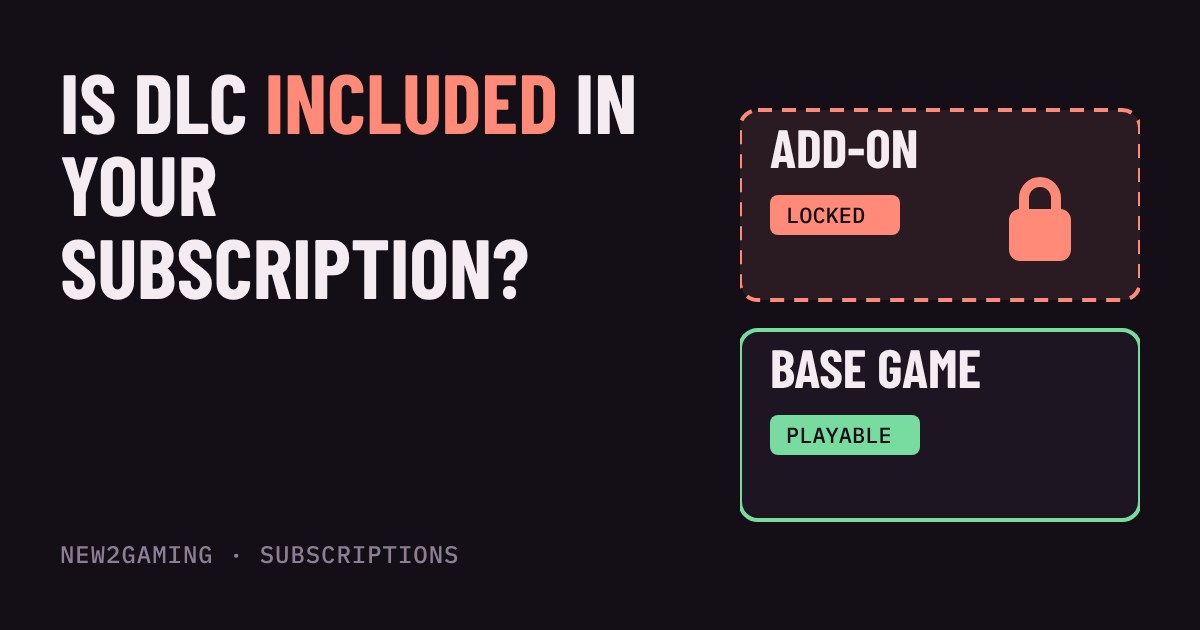
A game on a subscription is usually split into layers. The base game is the main game. DLC (short for downloadable content, also called an add-on or expansion) is extra story, maps or characters sold on top. Subscriptions are built mainly around the first layer.
Included, bought separately, or bundled as a perk
An add-on can reach you in three ways, and the difference decides what you pay and what you keep.
Bought separately. This is the normal case for games in a catalog. PlayStation's own page for its game catalogue says you can buy DLC and add-ons for catalogue games, and that add-ons are not included in the membership. Treat that as the default on any service unless the store page says otherwise.
Bundled as a perk. Some plans hand out specific add-ons to members. Nintendo's Switch Online Expansion Pack includes the Mario Kart 8 Deluxe Booster Course Pass, Animal Crossing: New Horizons – Happy Home Paradise and Splatoon 2: Octo Expansion at no extra cost. Nintendo notes you still need the full base game, and the DLC is usable for the length of your membership. Xbox also offers some members-only perks and bundles on certain games; these change from game to game.
Discounted or rewarded. Services sometimes offer a small saving or points on add-ons instead of including them. Xbox moved most of its Game Pass add-on discounts into Rewards points in October 2025, so a perk you read about a year ago may no longer exist. Prices and perks change, which is why you check the game's store page on the day.
Try it: what happens to each layer?
Set up a game below and see which layers you can play. Then flip the membership to cancelled.
Why "owned" and "usable" are different things
Buying an add-on for a catalog game is a bit like buying a ticket to a theme-park ride inside a park you only visit on a day pass. The ticket is yours, but you cannot use it once the day pass runs out. PlayStation's page says the same: if your membership ends or the game leaves the catalogue, you lose access to its add-ons until you resubscribe or buy the game, and purchased content is restored then.
This is the risk to watch for. An expansion can look cheap, but it makes sense only if you plan to keep playing that game. If you may leave the service in a few weeks, buying the base game first may be the better route.
Streaming and other gaps
Cloud streaming can add a catch. PlayStation says DLC and add-ons are not supported when you stream a catalogue title. If you rely on streaming, check that the extra content works there before you buy it.
Also look at editions. A game may be listed as Standard in the catalog while the Deluxe edition sold in the store includes the add-ons. The subscription gives you the edition it lists, not necessarily the best one.
What to look for
Before you buy any add-on for a subscription game, run through four quick checks:
| Check | Where to find it |
|---|---|
| Is this add-on listed as included with my plan? | The plan's page or the add-on's store page |
| Does it need the base game, and do I own that? | The add-on's store page |
| Will I still play this game if I cancel? | Your own plans |
| Does it work on how I play, such as cloud streaming? | The service's help pages |
If the answer to the third question is "maybe not", wait. Add-ons are rarely urgent, and a game that stays in the catalog gives you time to decide.
More in Subscriptions
all Subscriptions →1 Nov Where can you use your game subscription? Console, PC, phone and TV explained A game subscription is a right to play a catalogue, not a promise that it works on every screen. Whether it runs on your console, PC, phone… Subscriptions
30 Oct Can you play subscription games offline? How long before your console wants to check in Subscription games are a loan, not a purchase, so your console has to confirm now and then that you are still a member. Here is when that… Subscriptions
28 Oct What does 'day one' mean on a game subscription? Launch day, a year later or never Is the new game you want on your subscription the day it launches? Sometimes yes, often a year later, and sometimes never. This guide… Subscriptions
26 Oct How much storage does a game subscription need? Install sizes, download time and data caps A game subscription gives you a big library, but most of those games still download onto your console or PC. That means two costs nobody… Subscriptions
24 Oct Will a free trial charge you? Auto-renew, trial deals and how to cancel in time Most game subscription trials turn into a paid plan unless you cancel. Learn how auto-renew works, why the last day is risky, and where to… Subscriptions
21 Oct Which 'free' games do you keep? What happens when you cancel a subscription Cancelling a game subscription stops the next charge, but what happens to your games depends on how you got them. Some are rented and lock…