Your console probably connects over Wi-Fi without any fuss, and for a lot of people that is fine. But when a download crawls or a match stutters for a few seconds, the cause is often the last few metres between the router and the console. A cable removes most of that guesswork. Here is what it changes and what it doesn't.
Speed and steadiness are different things
Your internet plan sets a ceiling, say 300 Mbps. Wi-Fi can reach that ceiling when the console is close to the router and the air is quiet. Walls, distance and other devices pull it down, and that is mostly a download speed problem: a big game takes longer to install.
The second problem is steadiness. Radio signals share the air with phones, laptops, TVs and your neighbours' routers, so a packet sometimes has to wait or be sent again. In a game that shows up as a short lag spike, even though the average ping looks fine. A cable has its own private line, so it is steady in a way Wi-Fi can't promise.
Try it: move the console around the house
Notice what moves. With Wi-Fi, walls and busy devices cut the speed and add spikes. With a cable, the console behaves the same wherever the house is busy. The cable can't make your plan faster than it is, though. If you pay for 100 Mbps, you get at most about 100 Mbps either way.
What your console can do
All three current console families can connect by cable. The PS5 and Xbox Series X both have a gigabit Ethernet port, which tops out at 1000 Mbps, more than most home plans. The PS5 supports Wi-Fi 6, while the Xbox Series X uses the older Wi-Fi 5. The Nintendo Switch 2 supports Wi-Fi 6 and 5 GHz networks, and its dock has a built-in LAN port. Plug a cable into the dock, then put the console in the dock, and it works over the cable.
That Switch 2 detail matters: a cable only helps while the console sits in its dock. Used as a handheld, it is on Wi-Fi.
Three ways to get a cable to the console
Run a cable. The simplest fix. A flat cable fits under a door or along a skirting board. Cat6 is more than enough for gaming, and Cat5e is also fine at these speeds.
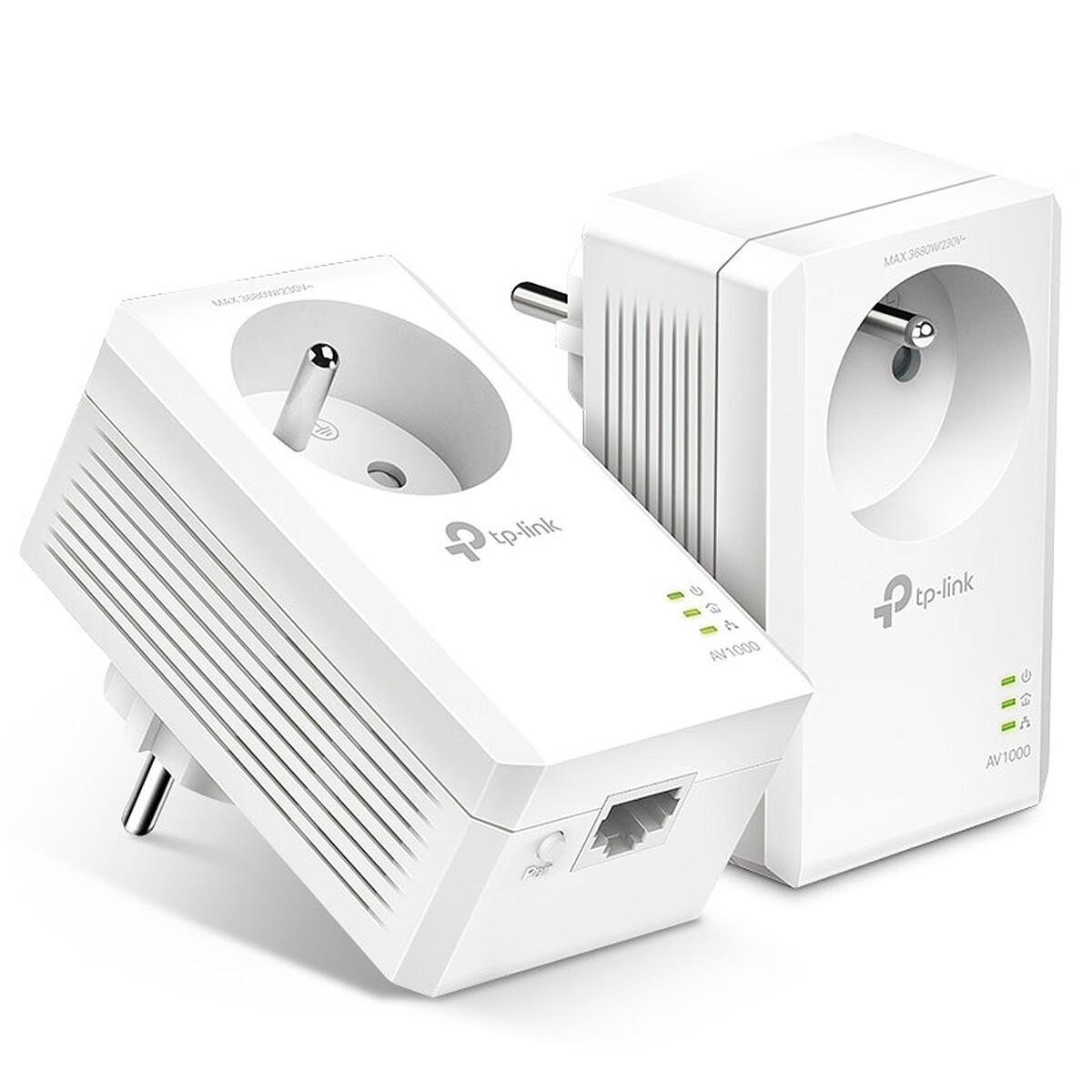
Use a powerline kit. Two small adapters send the network signal through your home's electrical wiring. Plug one in near the router and one near the console. It can be steadier than weak Wi-Fi, but the speed depends on how old and how busy your wiring is, so results vary from house to house. Plug it straight into a wall socket, not a power strip.
Move the Wi-Fi closer. A newer router, or a mesh system with a unit in the console's room, shortens the radio path. Some mesh units have Ethernet ports, so you can plug the console into the unit by cable.
When a cable isn't worth the trouble
If your console sits in the same room as the router, or on one wall away, Wi-Fi is probably already fine. If you mainly play offline or single-player, steadiness matters less. And if your internet plan is slow, a cable won't help much. Try a speed test on the console first, then plug in a cable and compare.
What to look for
Tight budget: a cable of the right length. Measure the route including corners, add a metre, and check that the plugs are RJ45 and the cable is rated Cat5e or Cat6.
Mid budget: a powerline kit with a gigabit port on each adapter, if running a cable is impossible. A pass-through socket on the adapter keeps one wall outlet free.
Bigger budget: a router that supports Wi-Fi 6, with several gigabit LAN ports so the console, PC and TV box can each be wired. Put it near where you play, or add a mesh unit there.