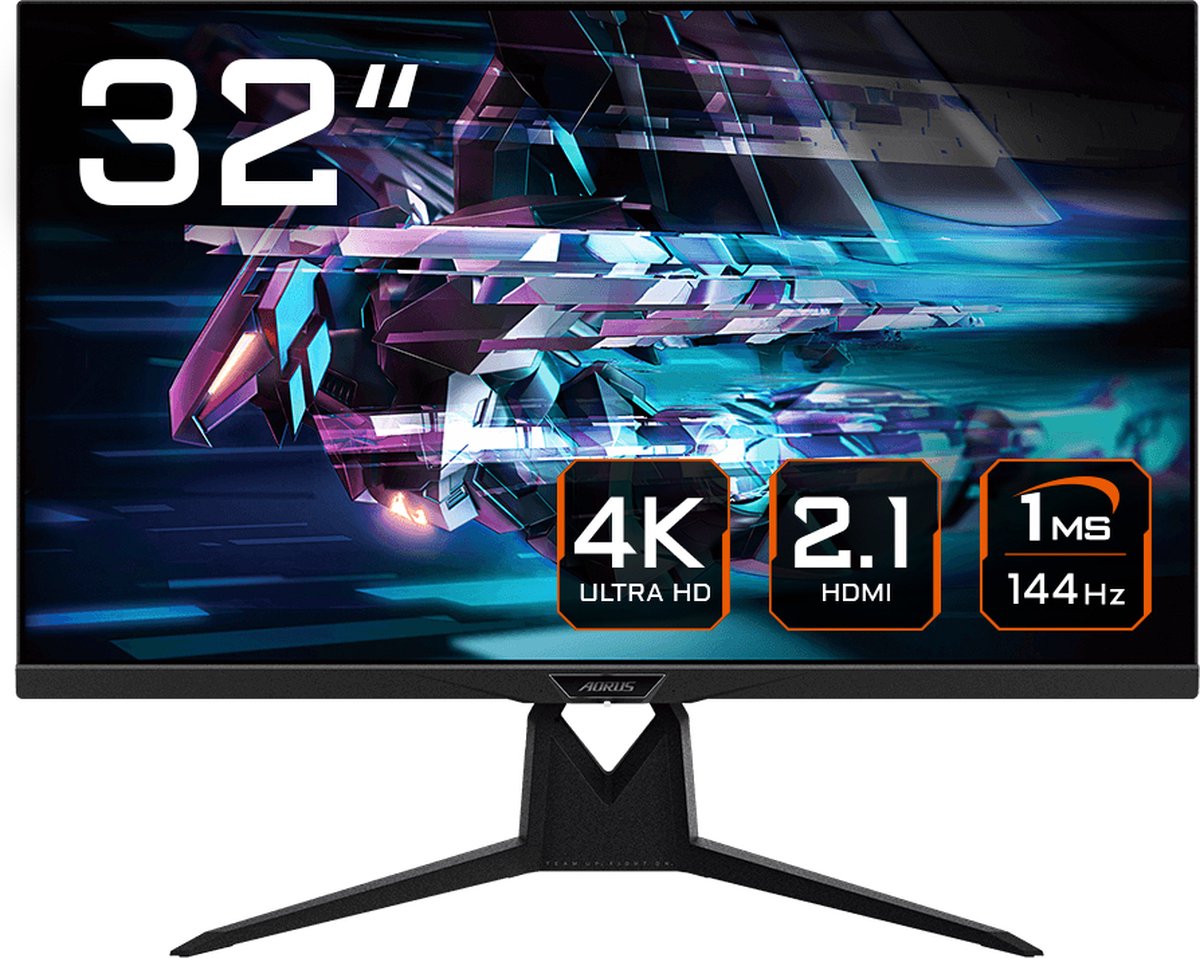
Yes, a monitor works. The catch is one port.
You don't need a TV to play on a console. A PC monitor works with a PS5, an Xbox Series X or a Switch 2, and it is often cheaper, sharper at desk distance and faster to respond. The catch is that many monitors sold for gaming only have older HDMI ports. With those, your console quietly falls back to a lower setting, and you never see the 120 frames per second you paid for.
Whether you hit the top settings comes down to one question: how much picture data can travel down the cable each second?
What your console actually sends
Every frame is a grid of pixels, and each pixel needs colour data. More pixels per frame (resolution) and more frames per second (refresh rate) both mean more data. A 4K frame has four times the pixels of a 1080p frame, so 4K at 120 Hz is a much bigger load than 1080p at 60 Hz.
Try it below. Pick a console, pick a port type, then drag the refresh rate. The bar shows roughly how much raw picture data your choice needs.
HDMI 2.0 or HDMI 2.1: what changes
HDMI 2.0 is fine for 1080p or 1440p at 120 Hz, and for 4K at 60 Hz. The jump to 4K at 120 Hz needs HDMI 2.1. Both PlayStation and Xbox guides say the same thing: for the top 4K setting you want a monitor with an HDMI 2.1 port and a cable rated for it.
HDMI 2.1 also brings variable refresh rate (VRR) as standard. VRR lets the monitor change its refresh rate to match the frame rate your console actually produces, which removes tearing and smooths out dips. On a monitor without HDMI 2.1, VRR can still work over a feature usually sold as FreeSync, if the monitor supports it over HDMI and you switch it on in the monitor's menu.
Watch the wording on the box. Many monitors say "HDMI" with no version, and some list "144 Hz" that only works over DisplayPort, which a console doesn't have. Look for "HDMI 2.1" on the spec sheet, not just in the marketing.
Is 1440p a good middle ground?
Often, yes. A 1440p monitor has far fewer pixels to push than 4K, so games run faster, and 1440p at 120 Hz fits through HDMI 2.0. The Xbox Series X supports a 1440p setting directly. The PS5 added 1440p output too: it has a built-in test under its screen settings, and after that check passes you can pick it. The Switch 2 can also output 1440p at up to 120 Hz in supported games, according to Nintendo's specs.
The cost is that 1440p is below the 4K most consoles are built around, so a 4K monitor is the safer choice if you plan to keep the monitor through a console generation.
Other things that surprise people
Speakers. Many monitors have none, or very weak ones. A wired headset into your controller, or a small speaker, solves it.
Size and distance. 4K shows its detail best on a larger screen, about 27 to 32 inches at normal desk distance. A 24-inch 4K screen looks sharp, but you might not see the difference from 1440p.
Settings. Set resolution and refresh rate on the console itself. If you leave it on automatic, an older port or cable can quietly pick a lower option. Check the console's video output screen once after plugging in.
Cables. Use the cable that came with the console or one marked as HDMI 2.1 (48 Gbps). An old cable can be the reason 120 Hz won't switch on.
What to look for
On a tight budget: a real HDMI 2.1 port if you want 4K at 120 Hz, or a good 1440p monitor at 120 Hz or more if you'd rather spend less. Check that the refresh rate you want is listed for HDMI, not only DisplayPort.
In the middle: HDMI 2.1, VRR support, and a size you can see the detail on, usually 27 to 32 inches. A fast panel with low blur matters more than extra brightness claims.
When you can spend more: a better panel for contrast and colour, such as OLED, and more than one HDMI 2.1 port if you want to connect two consoles. Rough prices for 4K monitors with HDMI 2.1 run from around €300 to €800.