A good headset can be useless on the wrong console
You can buy a great headset, plug it in, and get no sound or no microphone. That is rarely a faulty headset. It is the way the headset connects, because each console accepts a different mix of connections. Before you look at sound quality, check that the connection fits your console.
There are four common ways a headset connects. A 3.5 mm plug is the round headphone plug, the same as on a phone from a few years ago. A USB dongle is a small stick that comes in the box and sends sound over its own wireless link. A console-made wireless link is a system that only works with that console's own headsets, such as Xbox Wireless. And Bluetooth is the standard your phone uses for earbuds.
The 3.5 mm plug works almost everywhere
The simplest option is a wired headset with a 3.5 mm plug. The PlayStation 5 and Xbox both have a headphone socket on the controller, and the Nintendo Switch 2 has one on the console and on its Pro Controller. Plug in, and you have sound and a microphone with nothing to charge or pair.
The catch is the cable. On a console that sits across the room, a cable from the controller to your head is short and works fine. If you like to lean back, a wire will pull on the controller.
Wireless headsets: dongles and console links
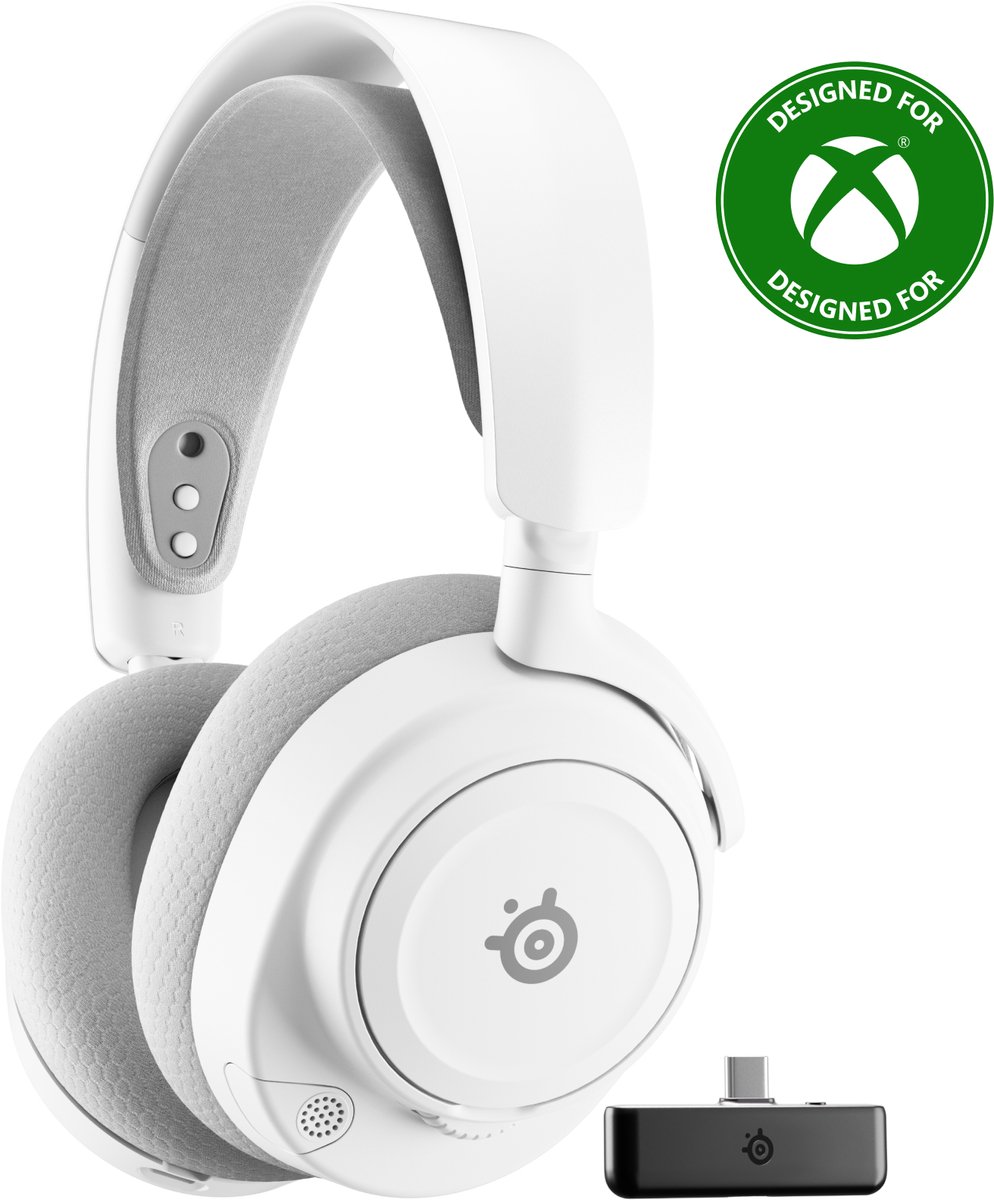
Most wireless gaming headsets come with a USB dongle. You plug the dongle into the console and the headset connects to it by itself, so there is no pairing menu. On PlayStation 5 this works with many headsets. On Switch 2 you use the console's USB-C port or a port on the dock. On Xbox, look for an Xbox logo or the words "for Xbox" on the box, because many dongle headsets are built for PC and PlayStation only.
The other route is a console-made link. Xbox Wireless headsets connect straight to an Xbox console. Sony makes its own wireless headsets for PlayStation as well. These are easy to set up, but you can only pick from headsets made for that system, and they often will not work on another console.
Why Bluetooth is the tricky one
Your earbuds use Bluetooth, so it feels like the obvious choice. On consoles it is the least reliable. Sony says the PlayStation 5 does not support ordinary Bluetooth headphones directly, and Xbox Series X and S do not either. You can buy a third-party adapter, but Sony does not promise those work well, and adapters often add a delay between what you see and what you hear. Some adapters also drop the microphone.
Switch 2 is the exception, but only half of one. A Bluetooth headset can play the sound, but Nintendo says microphone input over Bluetooth is not supported. So you can hear your friends in GameChat, but they cannot hear you through that headset. For talking, use a wire or a USB-C dongle.
A quick way to choose
If you play on one console, buy for that console and ignore the rest. If you own several, a wired 3.5 mm headset is the cheapest way to cover all of them. If you want wireless on a PlayStation 5 or Switch 2, a headset with a USB dongle is the most flexible. If you play on an Xbox, a headset made for Xbox saves you guessing.
Wired headsets start at around €25–50. Good wireless headsets sit around €70–130, and premium ones that work with a specific system land around €150–250. A headset that connects the right way beats a pricier one that does not.
What to look for
At a low budget, check the plug type: a 3.5 mm plug that carries both sound and microphone works on all three consoles, so read the box for "console" and "mic" and not only "headphones". Around the middle, check that the dongle is made for your console, and that the box lists your console by name. At the top end, match the system: Xbox Wireless for Xbox, and a headset that lists PlayStation 5 for Sony's console.
Whatever the price, also check comfort and a microphone that does not pick up the room. Those matter after the connection fits.