What do game age ratings mean? PEGI, ESRB and what they leave out
An age rating tells you what a game contains, not how hard it is or who you'll meet online. PEGI and ESRB use different age steps, but both add small descriptors and notices that matter just as much as the number.
Try the label reader: set a child's age, pick a made-up game and see what the rating covers, and what it leaves out.
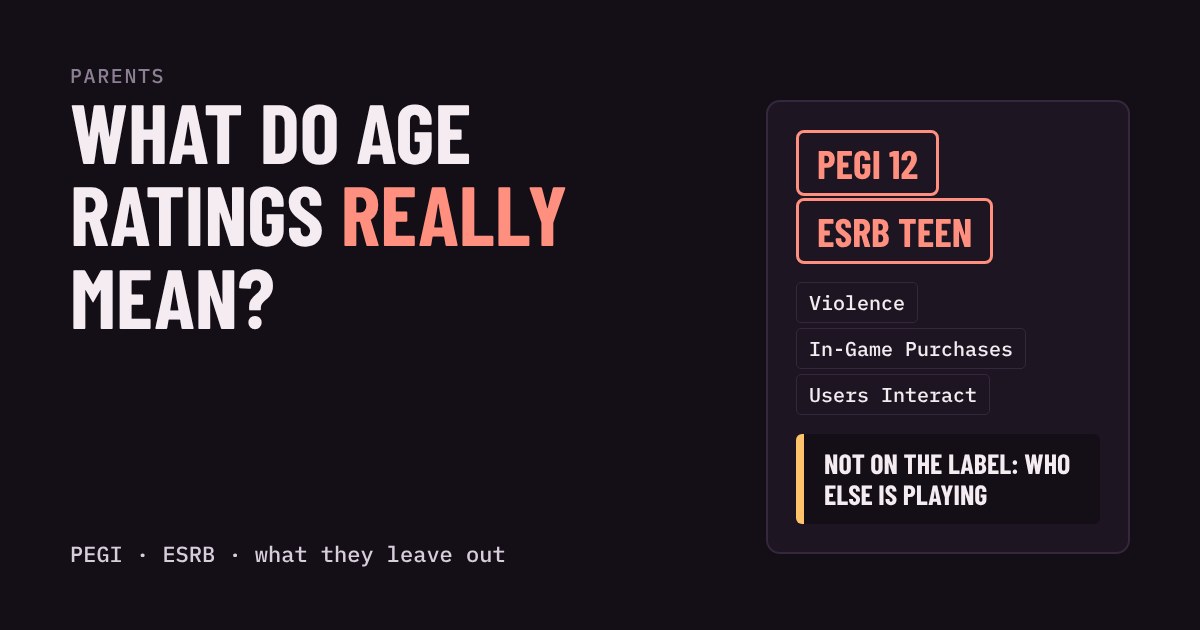
You are standing in a shop, or scrolling a store page, and a small box in the corner says PEGI 12 or ESRB Teen. Is that a rule, a warning, or just decoration? It is none of those exactly. An age rating is a label that tells you what kind of content is inside a game, and what age that content is considered suitable for. It is useful, but only if you know what it does not say.
Two systems, one idea
Most of the world sees one of two labels. PEGI is used across Europe and in many other countries. Its age steps are 3, 7, 12, 16 and 18. ESRB is used in the United States and Canada. Its steps are Everyone, Everyone 10+, Teen (13 and over), Mature 17+ and Adults Only 18+. Some countries have their own system, such as USK in Germany.
Both labels work from the content: how violent, scary or crude the game is, and whether it shows gambling, drugs or sex. A cute game and a gritty game can be equally hard to play. The label only describes what you will see and hear, not how difficult the game is.
Read the small print, not just the number
Next to the age, you will find short content descriptors such as Violence, Bad Language, Fear or Gambling. These tell you why a game got its age. Two games can both be PEGI 12 for very different reasons, and one may suit your child much better than the other.
Both systems also flag features that are not about content. PEGI has an In-Game Purchases descriptor, and a note when a game sells random items such as loot boxes. ESRB has the same idea under Interactive Elements: In-Game Purchases, Includes Random Items, Users Interact and Shares Location. ESRB says these notices do not change the age category. A game for ages 7 and up can still let strangers chat and sell packs of random items, so these small notices matter as much as the big number.
Who enforces it?
It depends on where you live. In the UK, shops are legally bound to PEGI age limits, and several other European countries have laws for age classification too. In the United States, ESRB ratings are voluntary: stores and platforms choose to follow them. In Canada, some provinces recognise ESRB in law. If you are unsure, assume the label is advice, and check what your local shops and your console's settings actually do.
Three things the label can't tell you
Other players. Content ratings describe what the game contains. They do not describe the other people in an online lobby. A PEGI 7 game with open chat can be a rougher place than a PEGI 16 single-player story.
Your child. A 12 does not mean every 12-year-old is ready. Some children find a mildly scary scene upsetting, others shrug off far more. You know yours.
How the game is played. Time spent, spending and the pull of daily rewards are not part of the age number. Pair the label with the settings on your console or PC.
A quick routine for any new game
Look at the age, then at the descriptors, then at the interactive notices. Search the title and watch a few minutes of normal gameplay. Then decide together whether to play, and agree on chat and spending before the first session. When your child asks for a game you have never heard of, that takes about five minutes and tells you far more than the number alone.
More in Parents
all Parents →21 Oct How do you spot a gaming scam? Free skins, fake logins and the four red flags Gaming scams target kids with free currency, fake "account security" emails and strangers who want a login code. They all pull the same… Parents
19 Oct How much gaming is too much? Build a screen-time plan that fits the day There is no single right number of gaming hours, because what matters is what the gaming pushes out. This guide shows a simple order of… Parents
17 Oct Which parental controls should you switch on first? A setup planner by age Every console has parental controls, but the menus are long and confusing. This guide boils them down to four switches: time, spending… Parents
15 Oct How much does in-game currency really cost? Gems, packs and spending limits Games sell extras with made-up currency, and packs rarely match item prices, so leftovers nudge you to buy more. Try a mock shop to see the… Parents
13 Oct Mute, block or report? Which button to press when a player is a problem Games give you three tools for dealing with unpleasant players: mute, block and report. They do very different jobs, and the right one… Parents
11 Oct How loud is too loud? Headset volume and your child's hearing Loud headset audio can damage hearing slowly and painlessly, and the volume number on a console is not a safe guide. What matters is how…