Which parental controls should you switch on first? A setup planner by age
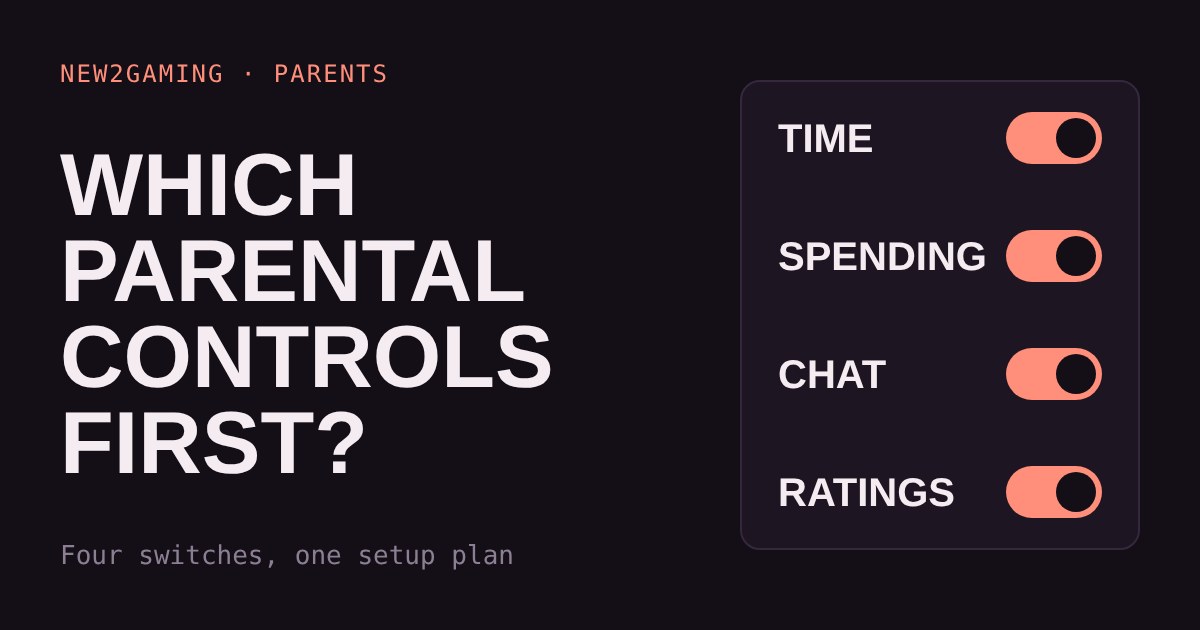
Every console has parental controls, but the menus are long and confusing. This guide boils them down to four switches: time, spending, chat and age ratings.
Pick your child's age group and your console (PlayStation 5, Xbox or Switch) and get a starting point for each switch, plus where to find it. Tick them off as you go.
Every console has parental controls, and almost nobody sets them up in the first week. The menus are long and the words are vague. This guide cuts them down to four switches that matter, in the order that matters, and lets you plan the setup for your child's age and your console.
The four switches that matter
Whatever the console, the controls come down to the same four questions.
Time: how long, and until when? Limits can usually be set per day, with a different rule for school nights and weekends. Spending: can your child buy things without asking you? Chat: who can message or talk to your child, and can they share pictures or videos? Age ratings: which games can be started at all? Ratings such as PEGI and ESRB are a guide to the content of a game, not to how hard it is.
Everything else on the menu is detail. If you only have ten minutes, do these four.
Start with an adult account
All three consoles tie the controls to an adult account that manages the child's account. On PlayStation that adult is the "family manager" and needs their own PlayStation Network account. On Xbox you use a Microsoft family group and the Xbox Family Settings app. On Nintendo Switch you link the console to the free Nintendo Switch Parental Controls app on your phone. Do this first; the settings below live inside it.
Plan your setup
Pick your child's age group and your console. You get a starting point for each of the four switches, and where to find it. Tick them off as you go.
Why these four, in this order
Spending and chat are the two with real-world consequences: money you cannot get back easily, and people you do not know. That is why they come early even though time limits feel more urgent. The same is true of age ratings, which stop a game before your child sees it instead of after.
Time limits are the one you will adjust most. A fixed number that you set alone tends to start arguments. A number you agreed together, with an exception for a special occasion, tends to survive. Some consoles, such as the Switch, let you add a few extra minutes on the spot, which helps when a match is nearly over.
Two limits to know about
Parental controls set on the console do not cover everything. In-game purchases inside a game can be separate from the store limit, so check the game's own settings or keep the store locked. And a child who plays on a phone, tablet or friend's console is outside these rules entirely. Controls help; a conversation helps more.
Child accounts also come with age settings built in. On PlayStation, for example, a new child account starts with settings that match the age you enter, which you can then adjust. Look at what was set instead of trusting the default.
What to look for
When you set this up, check four things. First, that the child plays on their own account, signed in, since controls only work on a child account. Second, that the adult account has a passcode or two-step sign-in your child cannot guess. Third, that spending is either off or asks you first. Fourth, that you review the settings every few months and after any big game release your child cares about.
More in Parents
all Parents →15 Oct How much does in-game currency really cost? Gems, packs and spending limits Games sell extras with made-up currency, and packs rarely match item prices, so leftovers nudge you to buy more. Try a mock shop to see the… Parents
13 Oct Mute, block or report? Which button to press when a player is a problem Games give you three tools for dealing with unpleasant players: mute, block and report. They do very different jobs, and the right one… Parents
11 Oct How loud is too loud? Headset volume and your child's hearing Loud headset audio can damage hearing slowly and painlessly, and the volume number on a console is not a safe guide. What matters is how… Parents
9 Oct Is this game okay for my child? A five-minute check before you say yes An age rating tells you what is in a game, not what happens around it: who can chat with your child, what the shop pushes, and what keeps… Parents
7 Oct Is that free coins offer real? How to spot gaming scams Gaming scams work because games run on things children want: free coins, rare items and friends. Most follow four patterns: the… Parents
5 Oct How much gaming is too much? Build a screen-time plan that protects sleep Is two hours a day the right limit for gaming? Pediatricians say there isn't enough evidence for one number that fits every child. What…