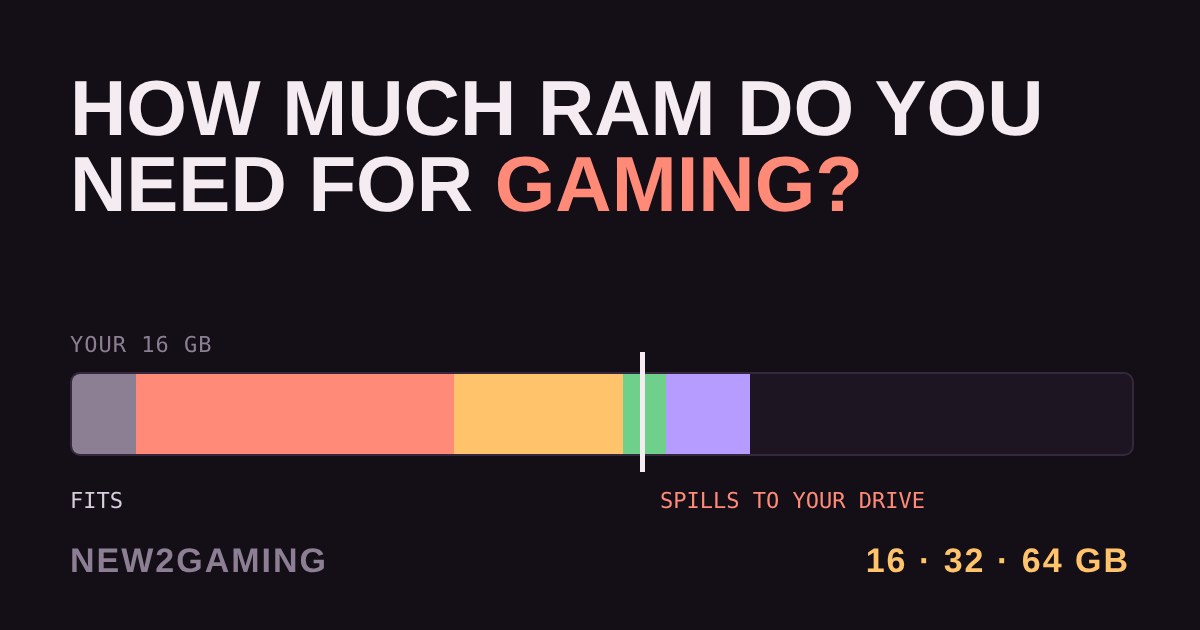
RAM is your PC's short-term workspace. Anything the computer is using right now (the game, Windows, your browser, Discord) has to fit in it. When everything fits, nothing special happens. When it doesn't, the PC starts borrowing space on your drive, and the game stutters. So the real question is not "how much RAM is best" but "how much do I need so everything fits?"
What actually fills your RAM
Four things compete for space: Windows itself (a few GB just to sit there), the game (from a few GB for a competitive shooter to well over ten for a big open-world or heavily modded game), background apps (voice chat, game launchers, streaming software) and your browser, where every open tab takes a slice.
The tool below stacks them up. The numbers are ballpark figures for a typical Windows gaming PC: they vary by game, version and settings, so treat them as a way to see the pattern, not as a measurement. Pick a game type, add your habits, then try different RAM sizes.
Why running out hurts so much
RAM is thousands of times faster to reach than even a fast SSD. When RAM fills up, Windows moves the least-used data to a file on your drive called the page file and brings it back on demand. That keeps the PC from crashing, but any moment the game needs something that was moved out, it waits. You see it as sudden hitches, texture pop-in or a frame rate that looks fine in the counter yet feels rough. More RAM than you need does nothing for speed; too little is where the pain is.
So how much do you need?
8 GB is no longer enough for a modern game plus Windows and a browser. Only consider it for an old PC or very light games.
16 GB is the practical minimum for a new gaming PC. It covers most games if you keep background apps modest. It was the most common amount for years, but it can feel tight with a modern game plus many tabs and chat apps.
32 GB is the comfortable choice. In Valve's September 2026 Steam survey, 32 GB edged ahead of 16 GB, at around four in ten of the PCs counted (the survey has no published sample size, so treat it as a rough signal). It gives room for big games, a browser full of tabs and streaming at the same time.
64 GB only pays off if you also edit video, work with huge files, run virtual machines or play the heaviest modded sims. For play alone it is overkill.
Two sticks beat one, and speed matters less than size
Most desktop motherboards read memory through two channels at once. Two sticks (a "kit" such as 2x16 GB) use both channels, which is faster than a single stick of the same total size. So buy two matching sticks rather than one, and don't mix random sets.
Speed is shown in MT/s (for example DDR5-6000). Faster helps a little in some games, but it is a small effect next to having enough capacity. Whatever you choose, there's one step many people miss: in your PC's BIOS settings, switch on the memory profile (called XMP on Intel boards and EXPO on many AMD ones). Without it, the RAM may run slower than the speed on the box.
What to look for
Match the type to your motherboard. DDR4 and DDR5 are not interchangeable: the board only takes one. New builds today are mostly DDR5; check your board's specs before you buy.
Buy capacity first. Aim for 16 GB if the budget is tight, 32 GB if you can, and treat speed as a bonus. A slow 32 GB beats a fast 16 GB for a heavy user.
Get a two-stick kit. 2x8 GB or 2x16 GB beats a single stick, and it leaves you a path to add more later if you leave slots free.
Check the profile. A DDR5-6000 kit with XMP or EXPO support is an easy, widely compatible target for a modern gaming PC.